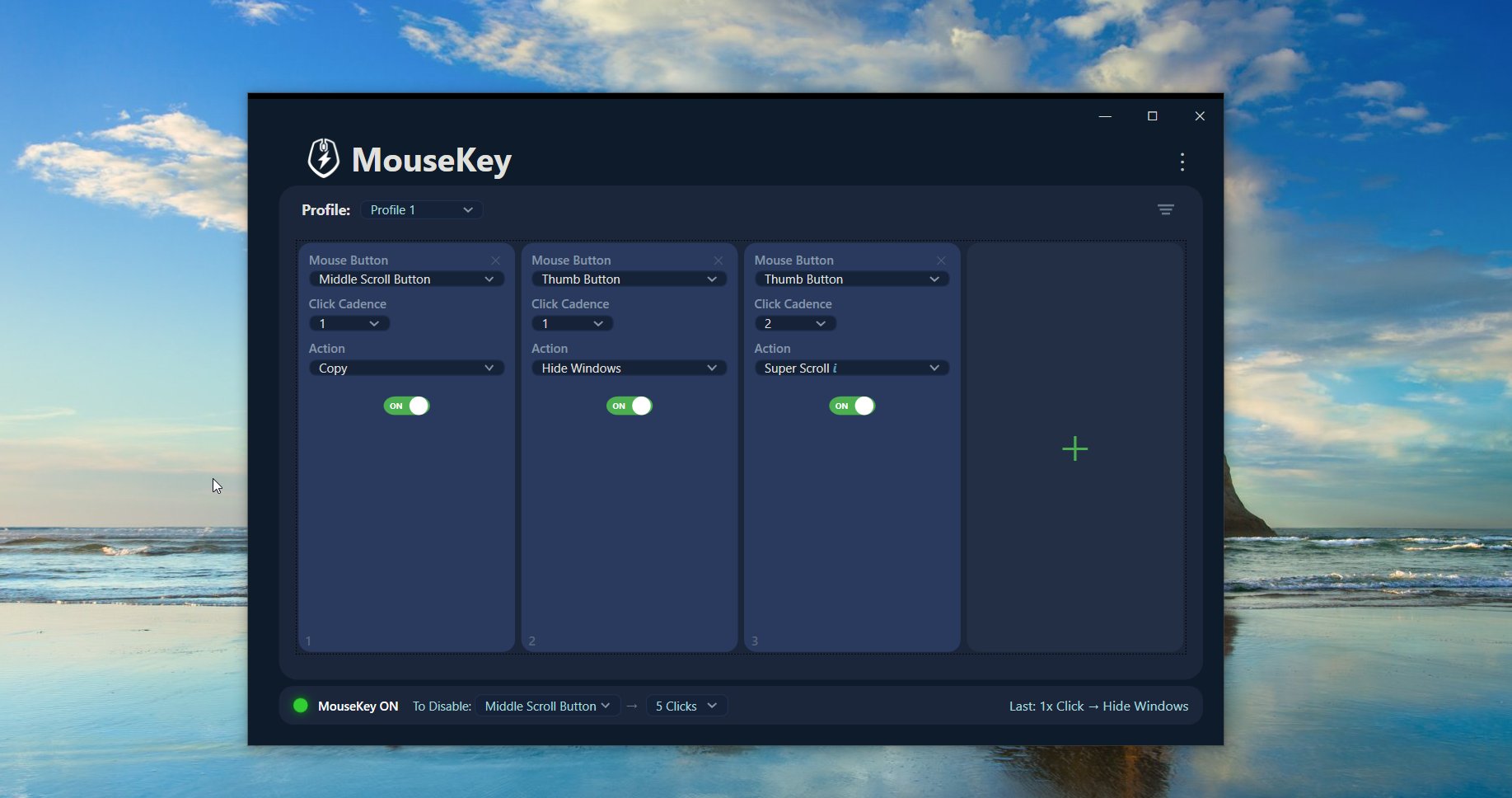
MouseKey transforms middle mouse button click patterns into powerful hotkey shortcuts. Double-click, triple-click, or more — each pattern triggers a different action.
MouseKey is designed to be easy to use and not intimidating. It helps you add more hotkeys and functionality to any mouse with a middle button.
Assign different actions to 2, 3, 4, or 5 rapid middle button clicks. Each pattern triggers a unique shortcut.
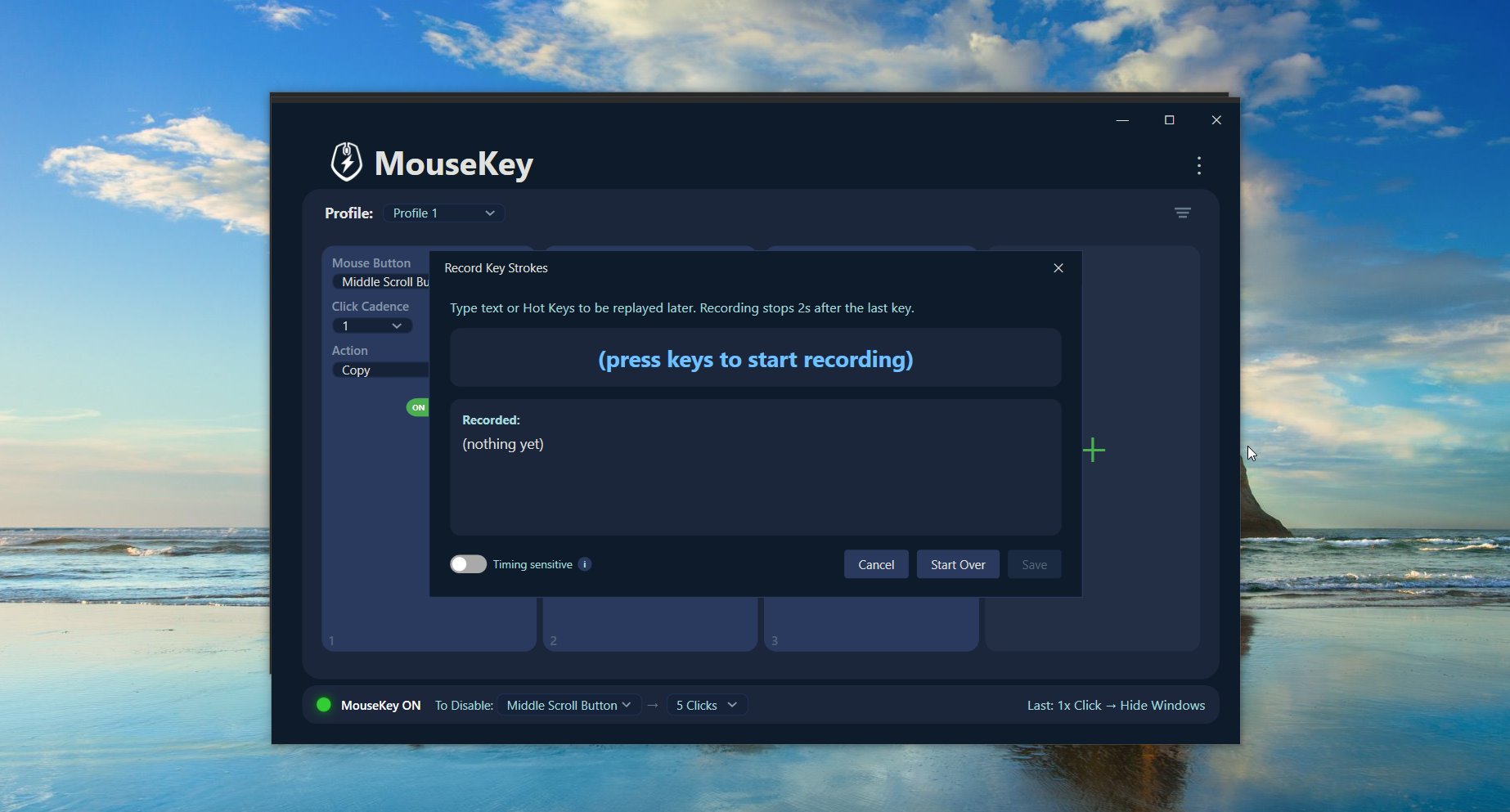
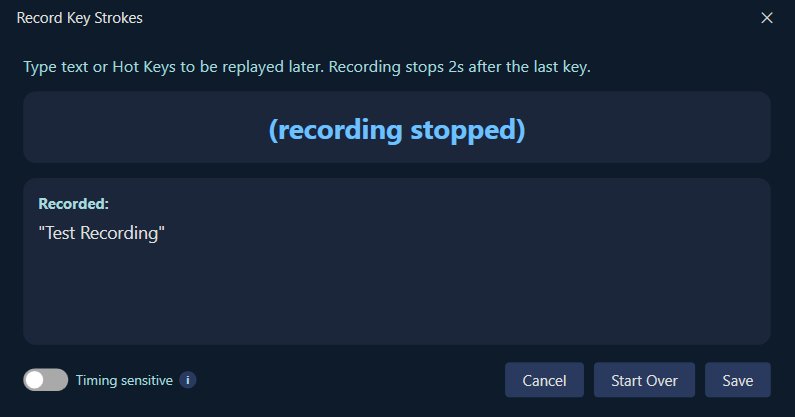
Record any keyboard shortcut or text string with the built-in "Create Hot Key" recorder. Your macros, your rules.
Create and switch between custom profiles to organize your shortcuts for different workflows or applications.
No telemetry, no analytics, no account sign-in. Your data stays on your device. Always.
Copy, Paste, Undo, Redo, Select All, Mute Audio, Brightness controls, and more — ready to assign instantly.
MouseKey runs quietly in the background. Enable, disable, or open it anytime from the system tray icon.
MouseKey waits briefly after your clicks to confirm the final count, then fires the assigned action. It's as fast as a double-click.
Install from the Microsoft Store and open the app. It starts ready to configure.
Choose the default profile or create a new one for specific workflows.
Pick from presets or record custom hotkeys for each click pattern (2–5 clicks).
Start using your mouse. Middle-click patterns now trigger your shortcuts instantly.
Middle button clicks can be pressed 2, 3, 4, or 5 times to trigger different actions. The speed needed is comparable to a typical left-button double-click — fast enough to feel natural, slow enough to be comfortable.
You can press them very fast followed by a pause, or somewhat fast followed by a pause. If you click too slowly, no action takes place — so you're always in control.
All 5-star reviews from the Microsoft Store — from people who use MouseKey every day.
MouseKey operates entirely offline and does not require an account. We believe privacy shouldn't be a premium feature.
MouseKey does not collect, transmit, sell, or share personal data. No telemetry, no analytics, no advertising identifiers.
MouseKey does not require network access to function. Zero background network communication at any time.
Keyboard input is recorded only when you explicitly use "Create Hot Key." MouseKey does not continuously log or monitor what you type.
Settings are stored locally under your Windows user profile. Profile selections, enabled states, and custom hotkey definitions never leave the device.
A keylogger, a cloud service, a remote access tool, a security or monitoring product, or a mouse button remapping utility. It is a transparent, user-controlled productivity enhancement tool.
Launch MouseKey, select a Profile, and assign an action from the dropdown for each click pattern (2, 3, 4, or 5 quick middle button clicks). Use the Enabled checkbox to turn each click pattern on or off. MouseKey waits briefly after your clicks to confirm the final count before executing the selected action.
Select "Create Hot Key…" from any dropdown to record keyboard shortcuts (like Ctrl+C or Alt+Tab) or text strings to be replayed later. Once saved, the custom action becomes available within the current profile.
MouseKey has a master enable/disable state which can be activated from the main window or by holding the middle mouse button for 3 seconds. When disabled, middle mouse click behavior returns to normal. Re-enable at any time from the system tray icon menu.
MouseKey continues running when the main window is closed. The tray icon may be under the Windows "hidden icons" arrow. Right-click the icon to open the app, enable or disable MouseKey, or exit completely. Settings are automatically saved and restored on next launch.
When creating custom hotkeys or macros, do not record passwords, PINs, authentication codes, recovery keys, or other sensitive information. Recorded macros replay input exactly as captured. MouseKey does not analyze, transmit, or share recorded input.
Private, lightweight, and ready in under a minute. Get MouseKey from the Microsoft Store.
Get MouseKey on Microsoft Store